

What to do if charging does not start: common situations and fixes
Charging will not start or stop, the connector is stuck or a payment fails? In most cases you can solve it yourself in a couple of minutes.
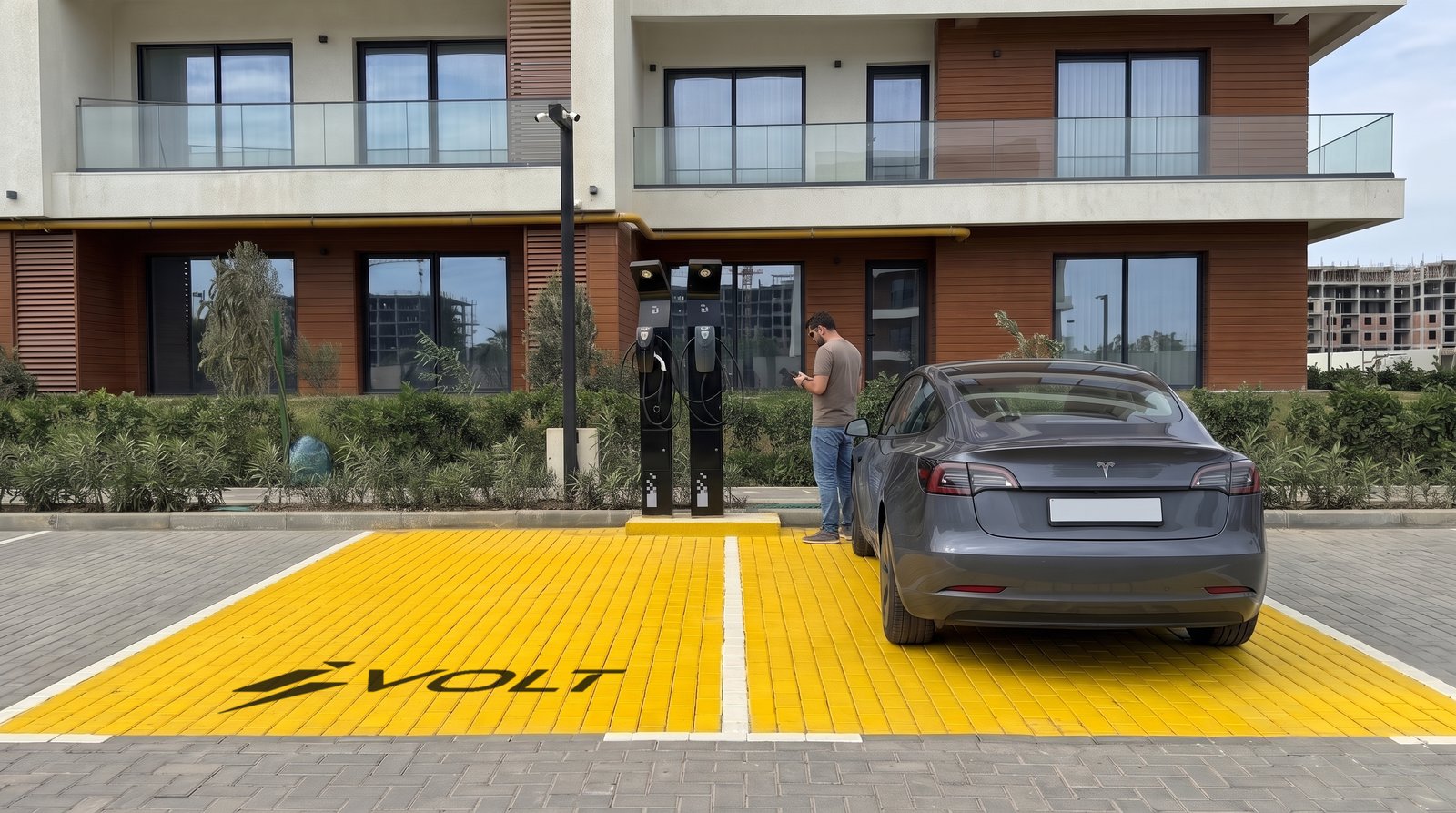
Below are the situations drivers meet most often, with simple fixes. If they do not help, customer support works 24/7: +994 12 404 23 23.
Charging does not start
Check in this order:
- The connector sits firmly in the car, the car is in «P» and unlocked.
- Plug in first, then scan the QR code of that very connector in the iVOLT app (not with the phone's ordinary camera).
- There is money on your balance in the app.
- If it still fails, unplug the connector, wait 10 seconds, plug it in again and retry.
The app will not stop the charge
Stop charging from the car itself: unlock it and press the stop-charging control on its screen or the button next to the charging port. Wait 10–20 seconds — the connector unlocks and the charge in the app ends by itself. If the station's screen has a «Stop» button, you can press that too. Use the red emergency button only in case of danger.
The connector will not come out of the car
The charge must be stopped and the car unlocked first. Do not pull the connector by force. Many cars have a connector-release button on the infotainment screen or next to the charging port. If that does not help, call support — the operator will tell you what to do for your car and connector type.
A payment fails or the balance does not grow
- Check the internet connection on your phone and try again.
- Try another payment method: another card, Apple Pay or Google Pay.
- Check in your bank's app that online payments are allowed and the limit is not exceeded.
If money left your card but the balance did not grow, tell support the time and amount of the payment.
The sign-in SMS code does not arrive
Check that the number is typed correctly and the phone is on the network. Wait 1–2 minutes and request the code again. If it still does not come, restart the phone and retry.
A station is not in the app
If a station is missing from the app's list and map, it is not working right now and cannot be used. Choose the nearest working station on the map:
ivolt.az/en/stations
The app shows no battery percentage
The percentage is shown only at fast (DC) stations; AC stations do not provide it. If a DC station shows none, update the app.