

How to charge an electric car at an iVOLT station: step by step
Charging at an iVOLT station takes five steps: the app, your balance, a station, the QR code and the start button. Each one explained simply.
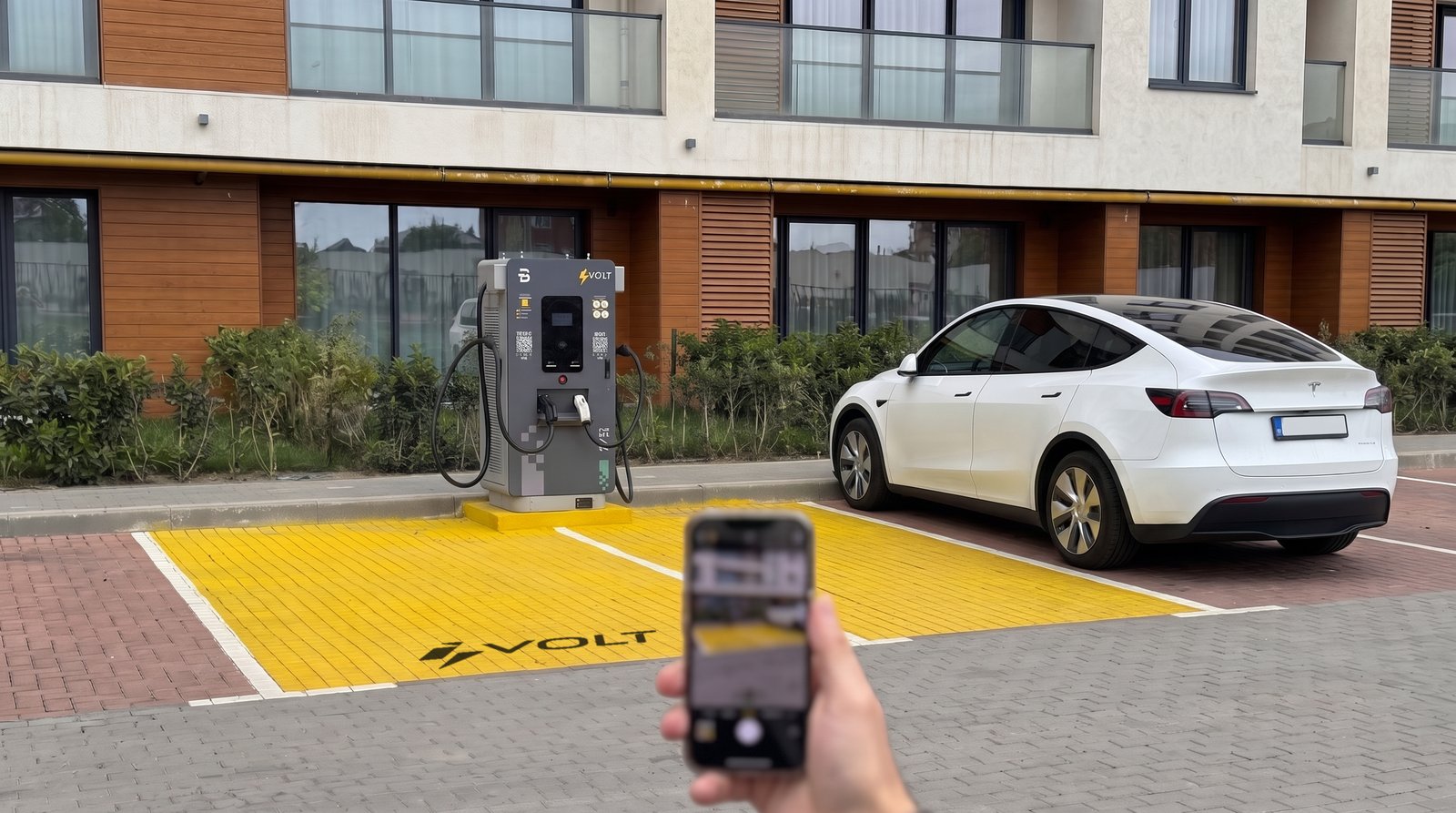
Charging an electric car at a public station is no harder than refuelling. In the iVOLT network everything is done from the mobile app and takes a few minutes.
1. Install the app and sign up
The iVOLT app is free in the App Store and on Google Play. You sign up with your phone number: a confirmation code arrives by SMS.
2. Top up your balance
Charging is paid from your balance in the app. You can top it up with a bank card (Visa, Mastercard), Apple Pay, Google Pay or Epoint. If you save the card in the app, the next top-up takes one tap.
3. Choose a station
The «Map» section of the app and the list on the website show every station with its connectors, power and price. Free ports are shown in real time.
ivolt.az/en/stations
4. Plug in and scan the QR code
First push the charging connector into your car's port until it sits firmly. Then scan the QR code of that very connector in the iVOLT app. Scan it from inside the app, not with the phone's ordinary camera.
5. Press «Start charging»
Charging starts automatically. You can follow it in the app; fast (DC) stations also show the battery percentage.
How to finish
Stop the charge in the app, wait for the connector to unlock and put it back in its holder. You pay only for the energy you received — it is billed per kilowatt-hour.
If you have a question, customer support works 24/7: +994 12 404 23 23.